1–8 player couch & online co-op
WORLD'S WORSTAIRLINE
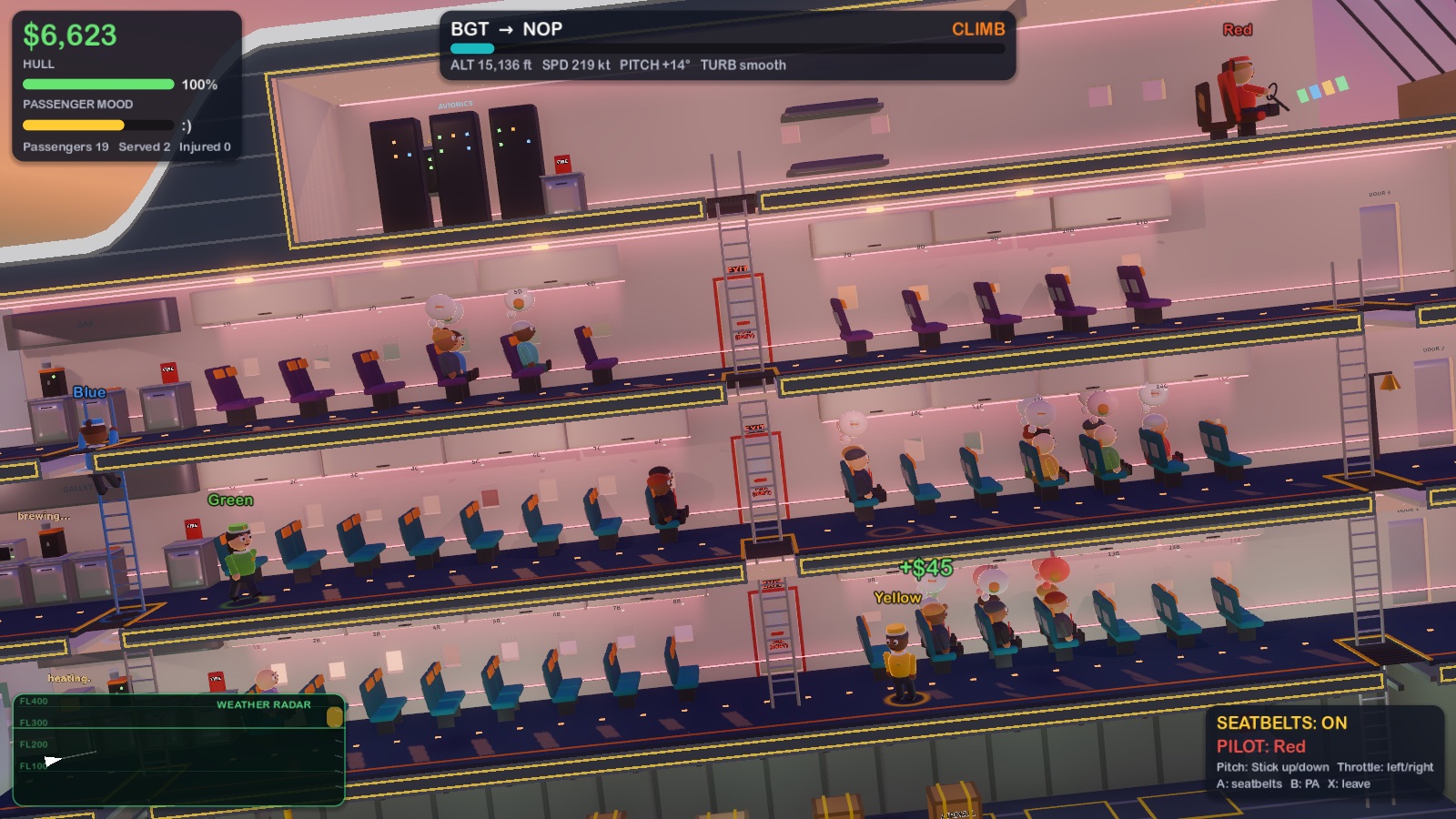
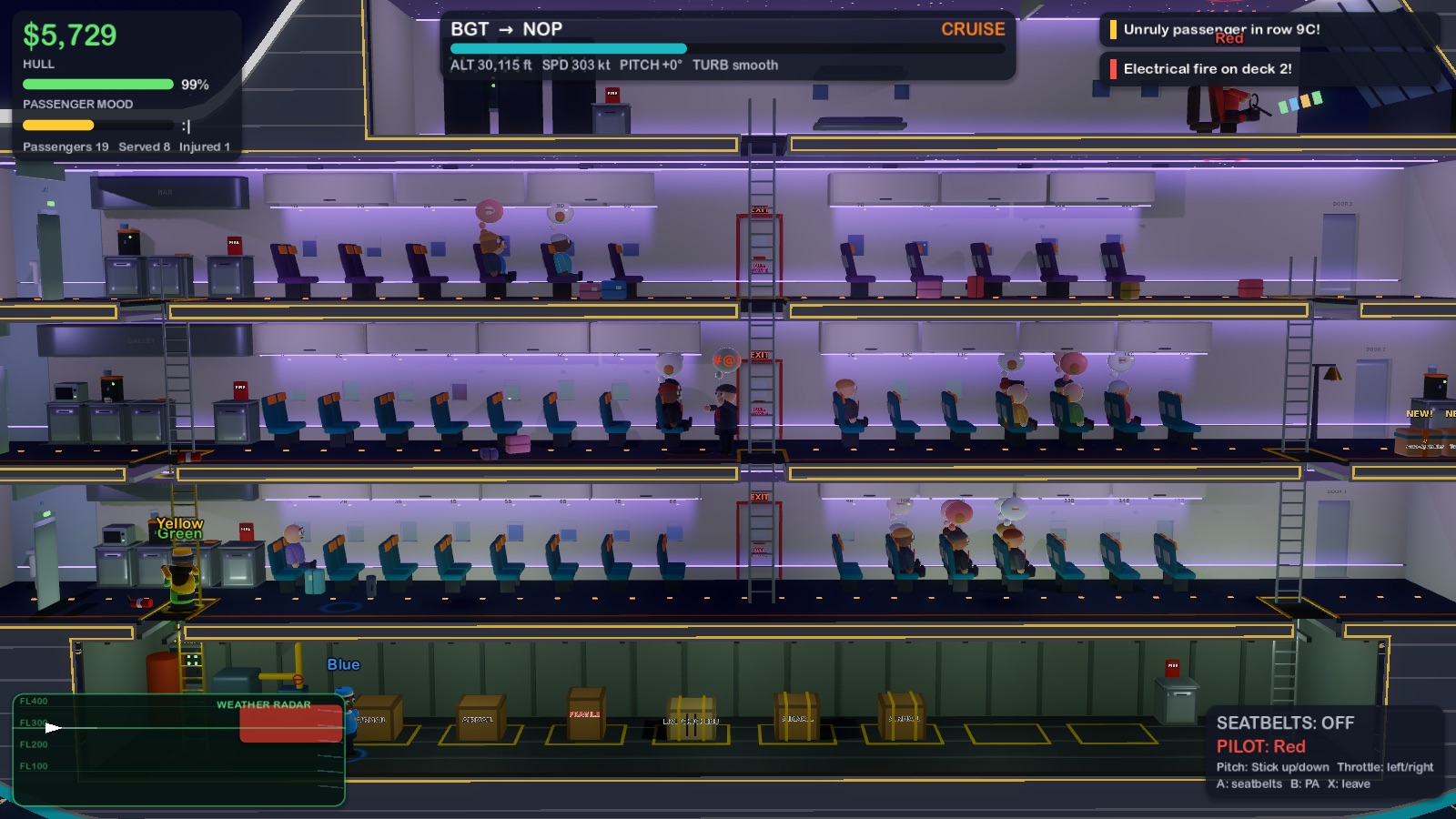
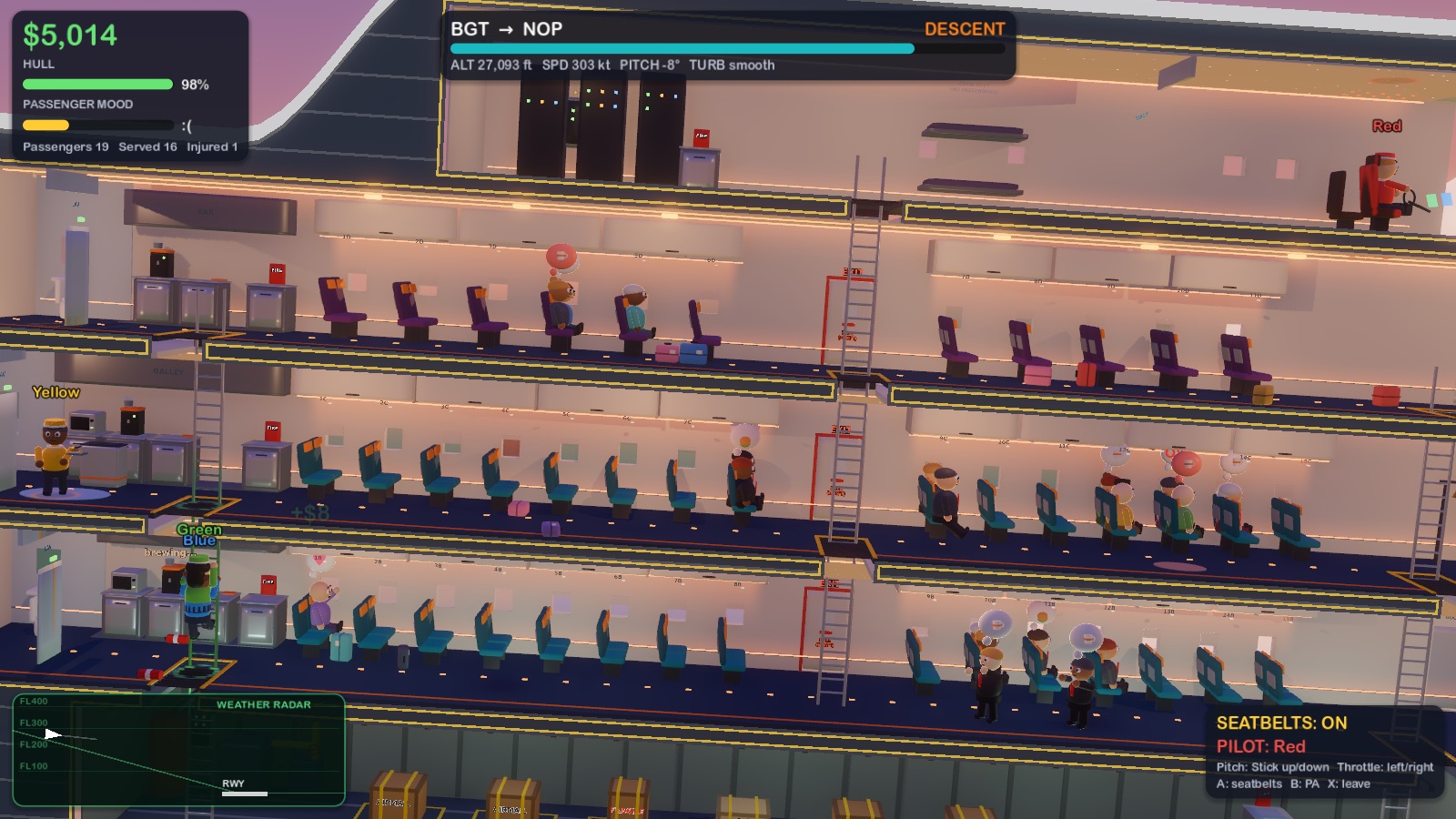
Fly a gigantic, catastrophically cheap five-deck airliner with your friends. Serve meals, brew coffee, fight fires, re-strap runaway cargo, calm unruly passengers, and brace when the air pockets hit. Then spend the day's takings upgrading the plane. Repeat.
Gamepad recommended (Xbox, PlayStation, Switch Pro). No gamepad? Keyboards work, or use your 📱 phone as a controller.
Play together online
- Host: open the game, choose PLAY. The lobby shows a 4-letter ROOM CODE.
- Friends: open the game (browser or download), choose JOIN A FRIEND and type the code with a gamepad or keyboard.
- Everyone presses A on each controller to hop in. Up to 8 crew, any mix of couch, online, phones and CPU crew.
- The host presses Start. Good luck.
The loop
- Hangar: take a free blueprint, buy equipment & aircraft upgrades.
- Prep: arrange ovens, coffee machines and sprinklers, then ring the departure bell.
- Fly: takeoff, then all-hands drinks, meals and clean-up rounds. The galley brews pots and heats racks (toss them up a hatch for a crewmate to catch), one of you pushes the trolley (it blocks the whole aisle!), another serves. Whoever's missed storms the emergency exit: slam it shut on them! Big fires need two extinguishers.
- Payday: fares × happiness, minus lawsuits. Survive 12 days to franchise.
Controls
| Move / climb ladders | Left stick • WASD • arrows |
| Jump | A / ✕ • Space |
| Grab, serve (hold = fix) | X / □ • E |
| Throw / spray extinguisher / toss up a hatch | B / ○ • Q |
| Brace for air pockets | LB/RB • Shift |
| Push a trolley / serve a row | Tap X / □ • E on it, then next to a row |
| Fly the plane | Sit in the cockpit (top deck, front) |
Good to know
- The browser version runs best in Chrome or Edge on a desktop and uses simpler lighting. Click the game once so it can play sound.
- macOS: the app isn't notarized. Right-click → Open (or System Settings → Privacy & Security → Open Anyway).
- Windows: if SmartScreen appears, click More info → Run anyway.
- Same Wi-Fi? Friends running the downloaded game find your room automatically.